
The Internet on high alert after the discovery of a new online security flaw
A security flaw has been discovered that could let criminals create fake versions of trusted websites and software.
You’ve probably noticed the little padlock next to a website’s address in your browser. That padlock relies on a digital certificate, which works a bit like an ID card to prove the website is genuine. The same kind of ID check is used when your computer downloads software updates.
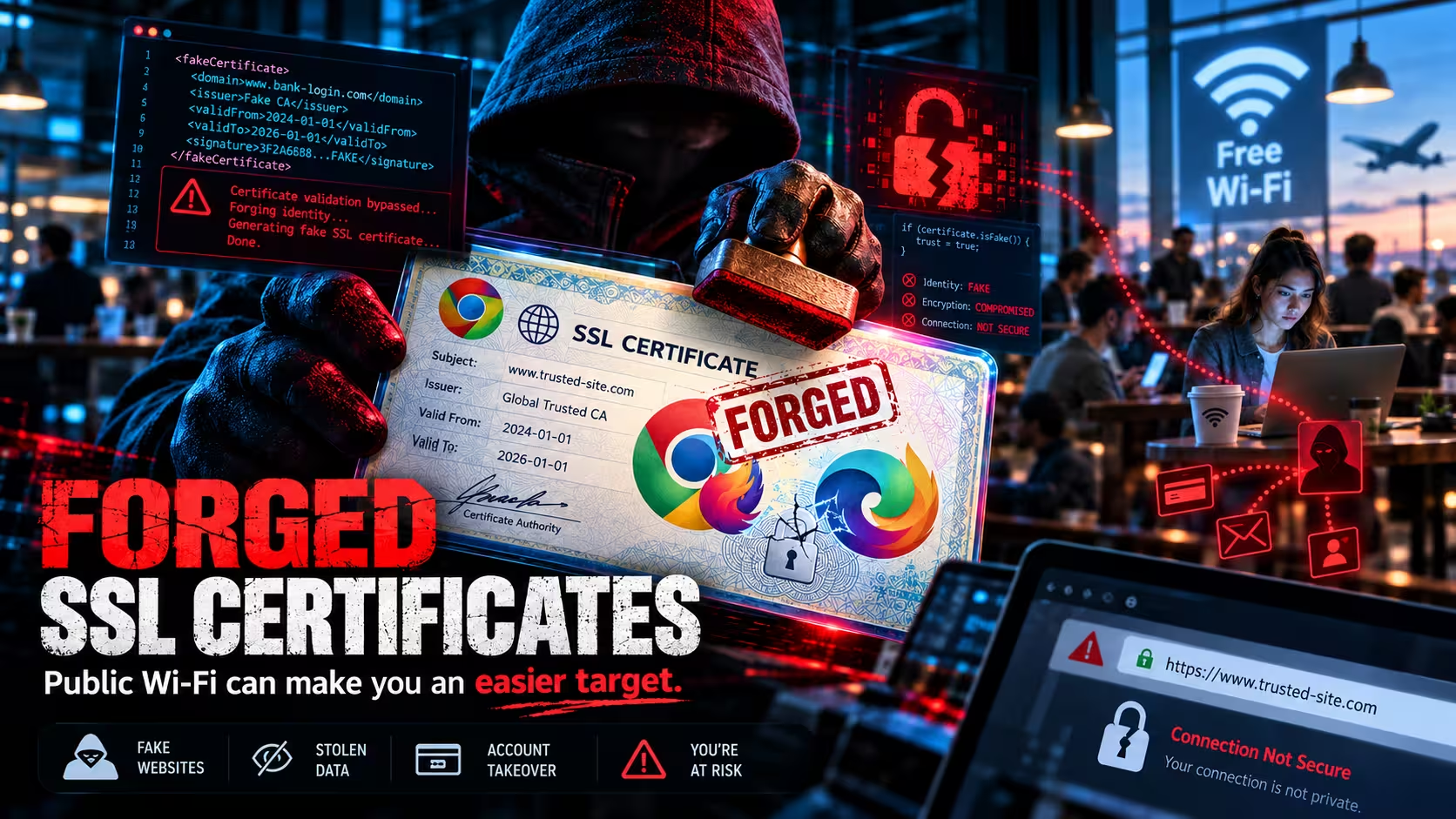
A company that issues these digital ID cards made a serious blunder that means some of them can now be forged. In the wrong hands, a forged ID could make a fake website or a fake software update look completely legitimate.
The good news is that Google, Microsoft, Apple and Mozilla (the makers of Firefox) have already blocked the affected IDs. If your web browser is up to date, you’re protected while browsing.
Why it matters to your business
To take advantage of this flaw, a criminal first needs to be on the same network as you. That’s why public WiFi is the main concern.
Picture working from a cafe, airport lounge or hotel. Someone else on that WiFi could quietly intercept your connection and send you to a fake page or a fake download, without you noticing anything is wrong.
There are two ways this could catch you out.
- A fake website. You go to log in to your email or online banking and see a convincing copy designed to steal your password. An up to date browser now blocks this.
- A fake update. Many programs check for updates in the background. Some don’t have the same protection as your browser and could be tricked into installing harmful software. This is the risk we’re watching most closely.
It isn’t known whether anyone has used this flaw yet, but a few simple precautions now will go a long way.
What has already been done
Google Chrome, Mozilla Firefox, Microsoft Edge and Apple devices all blocked the affected IDs between 17/10/2026 and 20/10/2026. For most people this happened automatically in the background.
The gap is other software, such as some business programs and older devices, which only becomes safe once its own update is installed. Those updates are rolling out now and will keep coming over the next few weeks.
What you and your team should do
1. Install updates when they appear.
Avoid pressing “remind me later” on your computer, phone or apps over the coming weeks, and restart when asked so the update can finish.
2. Take care on public WiFi.
When working away from the office, use your phone’s hotspot or your company VPN instead of cafe, airport or hotel WiFi, even if that WiFi has a password.
3. Be suspicious of pop ups asking you to update.
If a website or pop up tells you to download an update, close it. Update through your computer’s settings, the App Store or your browser’s own menu instead, or check with us.
4. Check older devices.
Old laptops, phones and tablets that no longer get updates won’t receive this fix. Not sure about a device? Ask us.
5. Watch for scams.
Scammers love using security news as an excuse to get in touch. We will never ask for your password or login codes by email, phone or text. If someone claiming to be us asks for these, hang up and call us on our usual number.
Check your browser
You can check whether your web browser is protected with this free online test, run by the researcher who reported the flaw. Open the link in each browser you use. If the test shows errors or blocked connections, that’s a good sign and your browser is protected. If not, update your browser, restart it and try again.
The test only checks your browser, so keeping your other software updated still matters.
What FocusNet is doing
We’re checking the websites, servers and computers we look after for our clients and installing updates as they become available. If anything needs your attention, we’ll contact you directly.
Have a question, or seen something that doesn’t look right? Get it touch with our support team.
References:
- eMudhra Intermediate CA Compromise, technical disclosure and browser test
- Ars Technica coverage